Application Screenshots
Explore the intuitive dark-mode interface designed for Android creators.
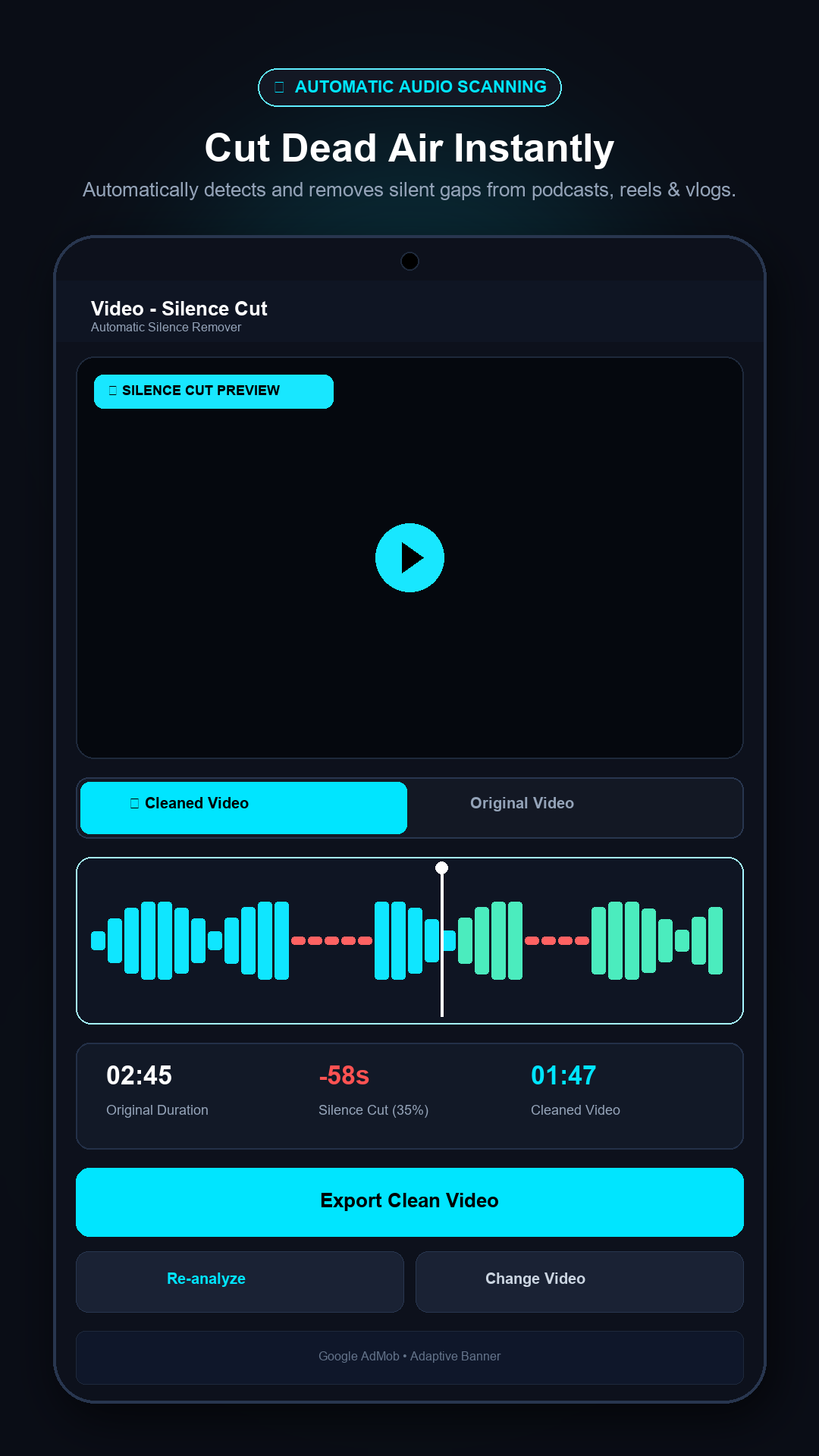
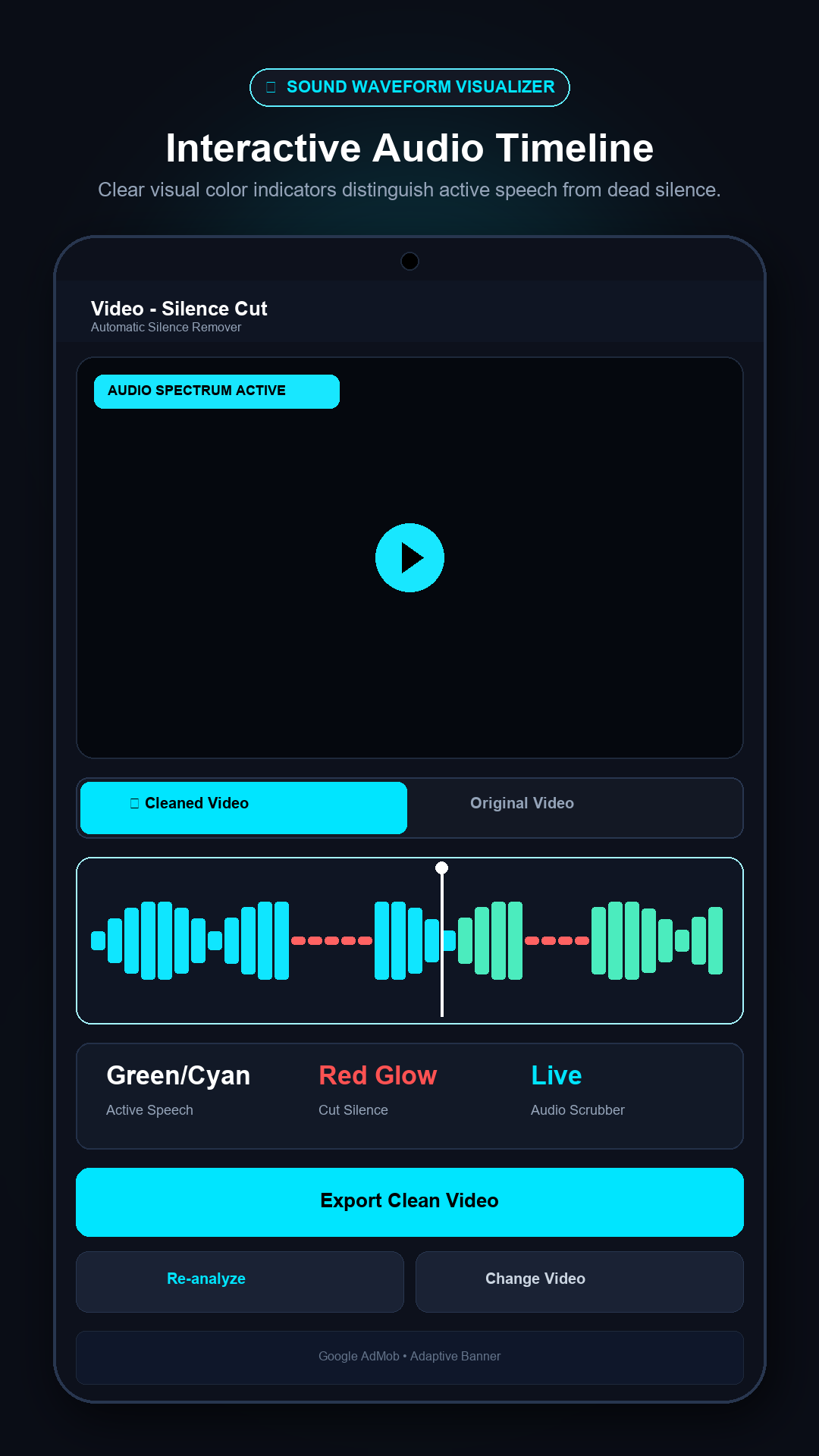
Scan any video, detect silent gaps in the audio waveform, and export a tight, punchy video with zero manual trimming. Perfect for YouTubers, Podcasters, Reels, and Vloggers.
No complex video editing timelines or tedious razor cuts required.
Select any talking-head video, podcast recording, reel, or lecture from your gallery using Android's private photo picker.
The app scans the audio track, calculates decibel power, and visually marks silence gaps while protecting words with safety padding.
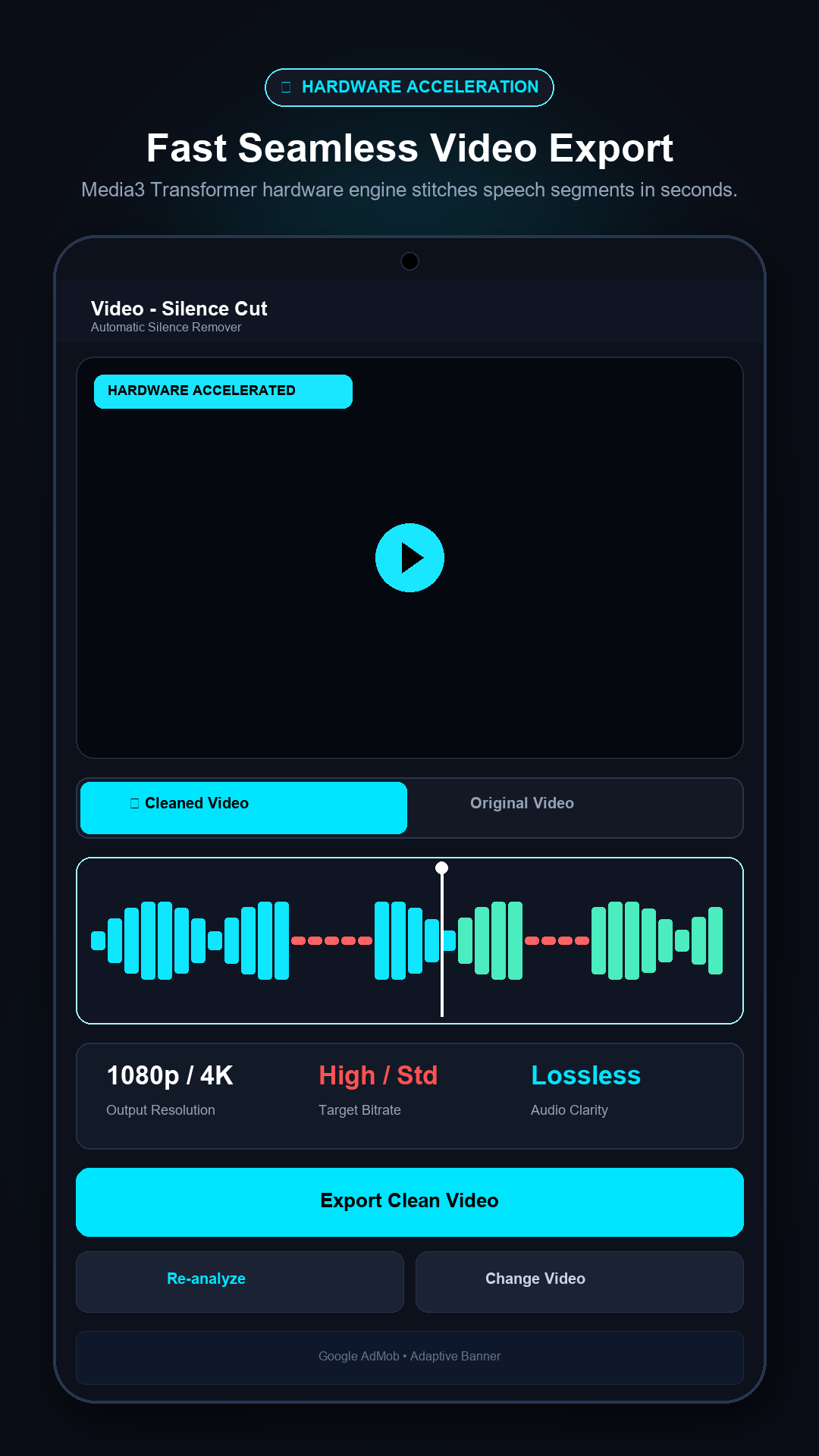
Media3 Transformer stitches speech segments into a seamless MP4 at full 1080p or 4K resolution directly to your phone's gallery.
High performance, uncompromising privacy, and studio-grade audio fidelity.
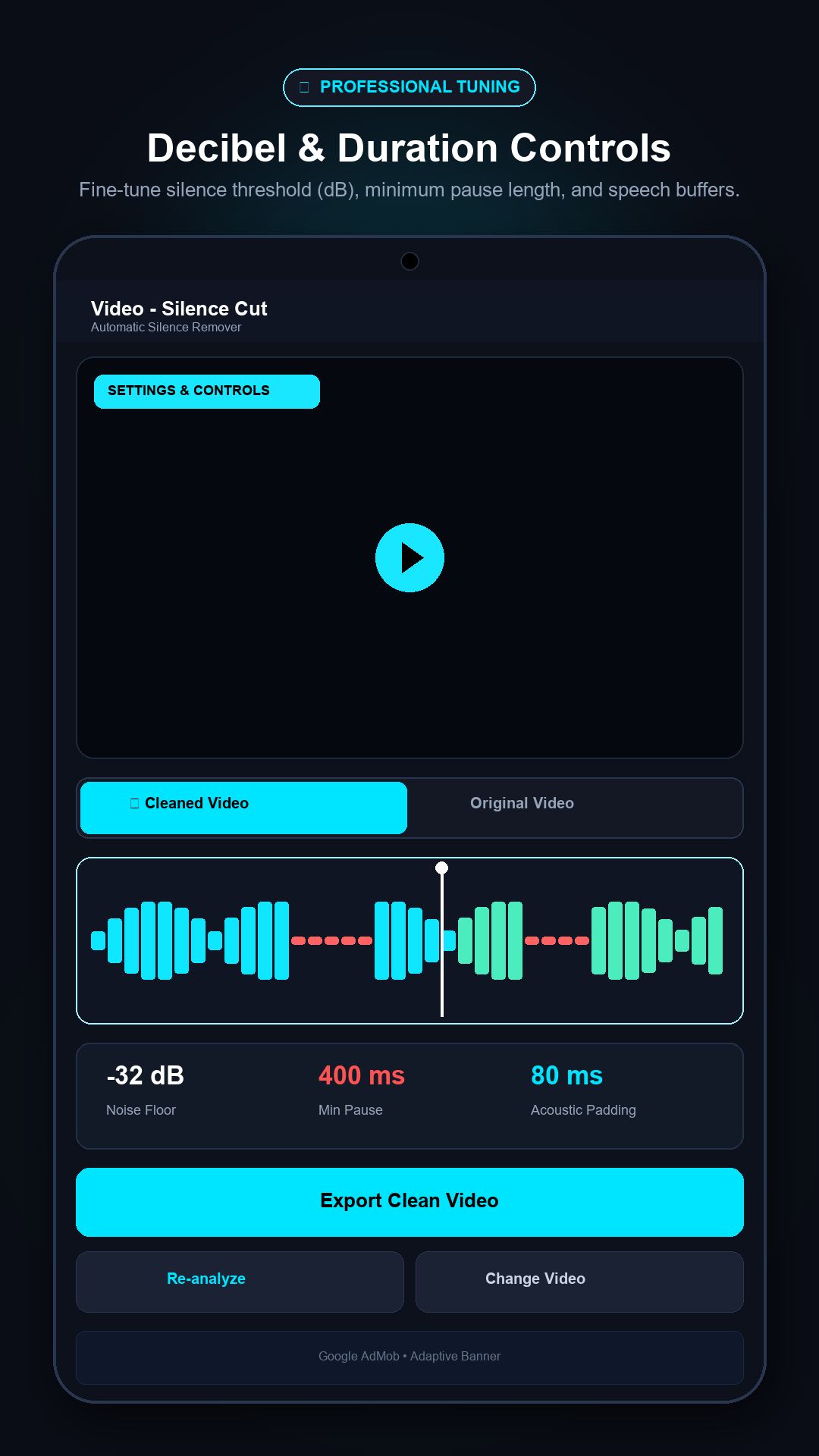
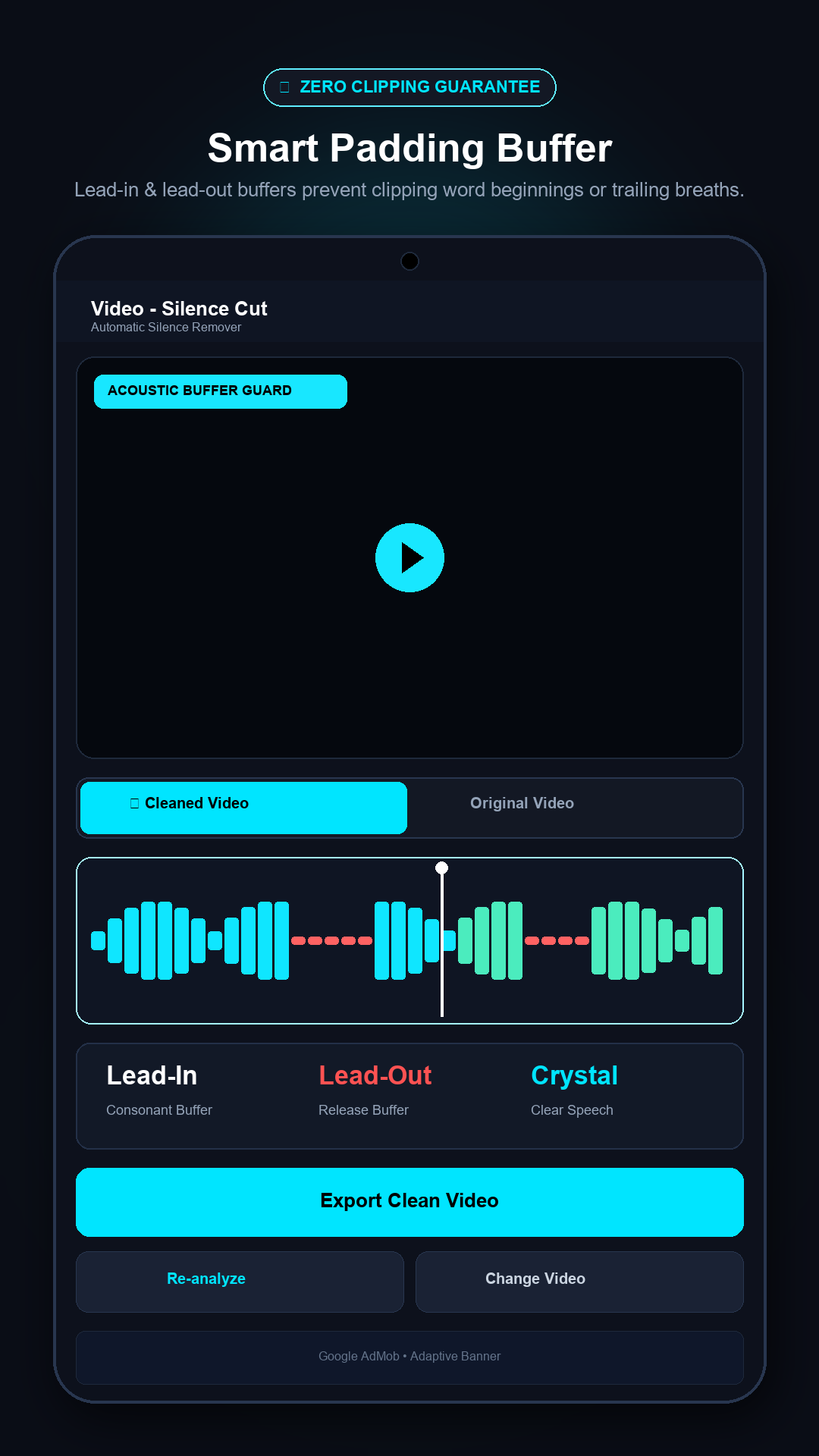
Intelligent Lead-In (80ms) and Lead-Out (100ms) acoustic buffers ensure initial consonants and ending breaths are never accidentally cut off.
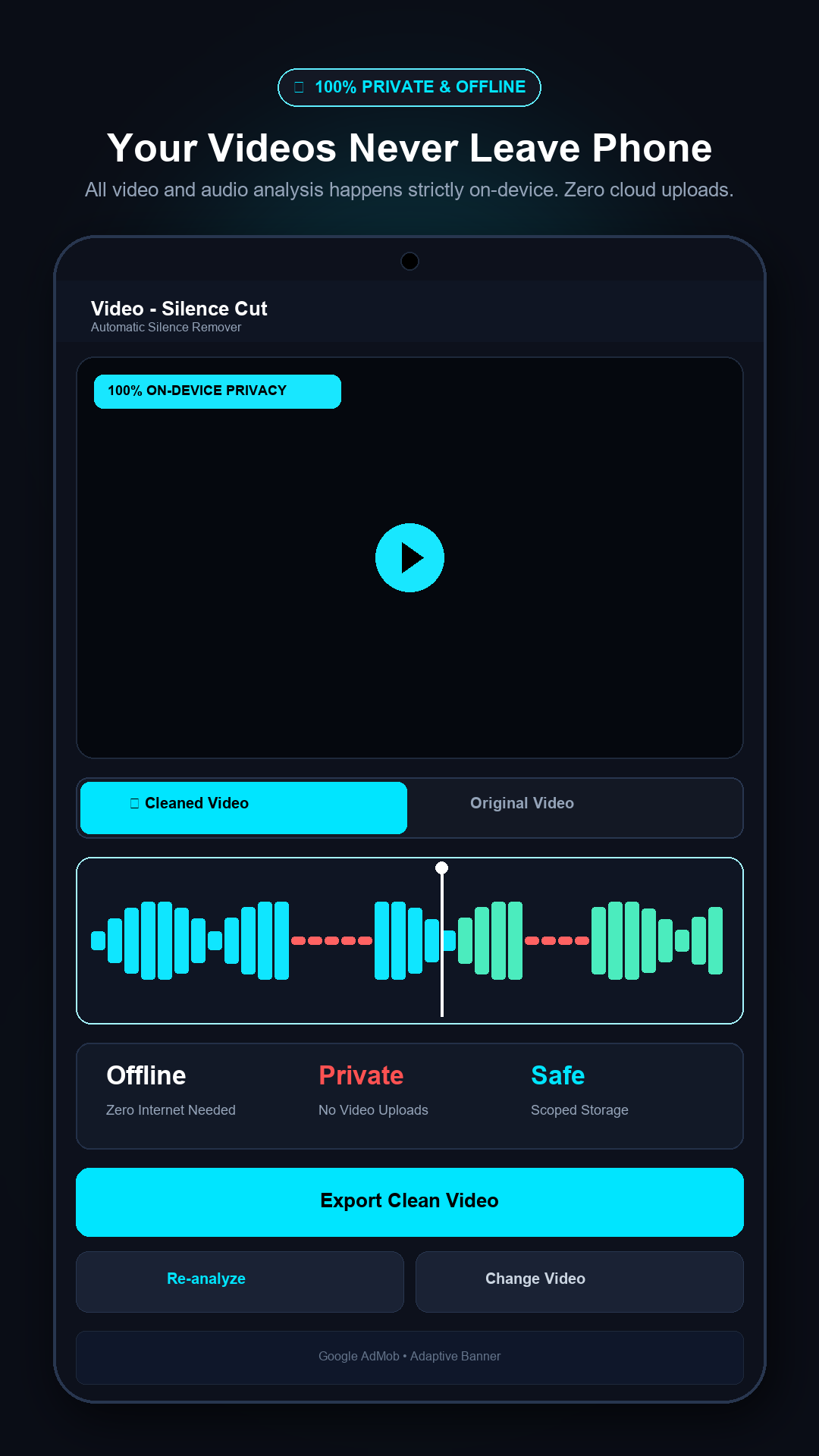
No video or audio data is ever transmitted to the cloud. Everything is computed directly on your smartphone with complete offline security.
Customize the noise threshold from -45 dB to -15 dB and adjust minimum silence duration to maintain your natural conversational tempo.
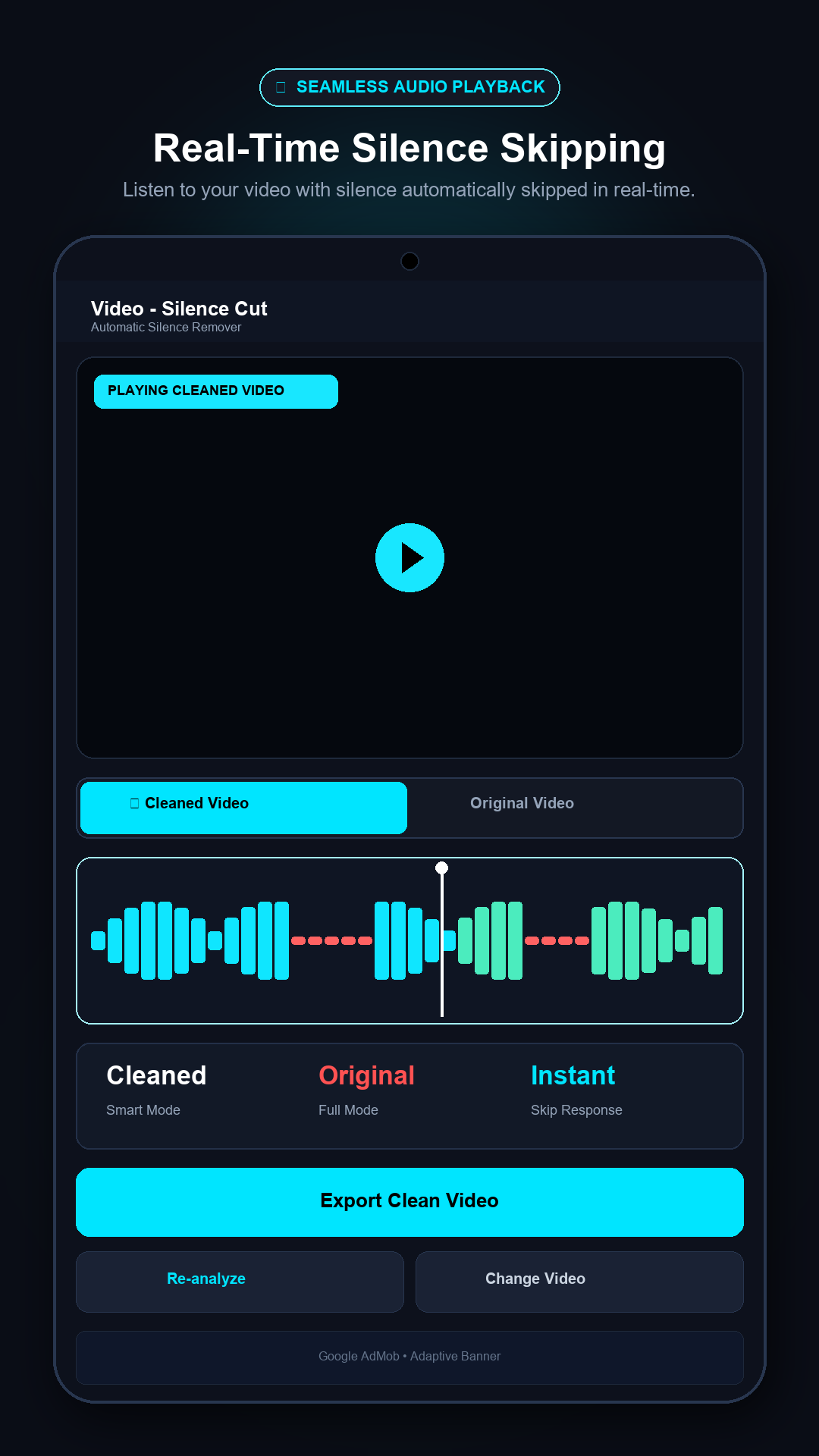
Toggle between "Cleaned Video" and "Original Video" in one click. Listen to the edited pacing before committing to hardware export.
Export directly to 1080p Full HD or 4K with multiple bitrate presets. Supports lossless audio preservation for crystal-clear voice fidelity.
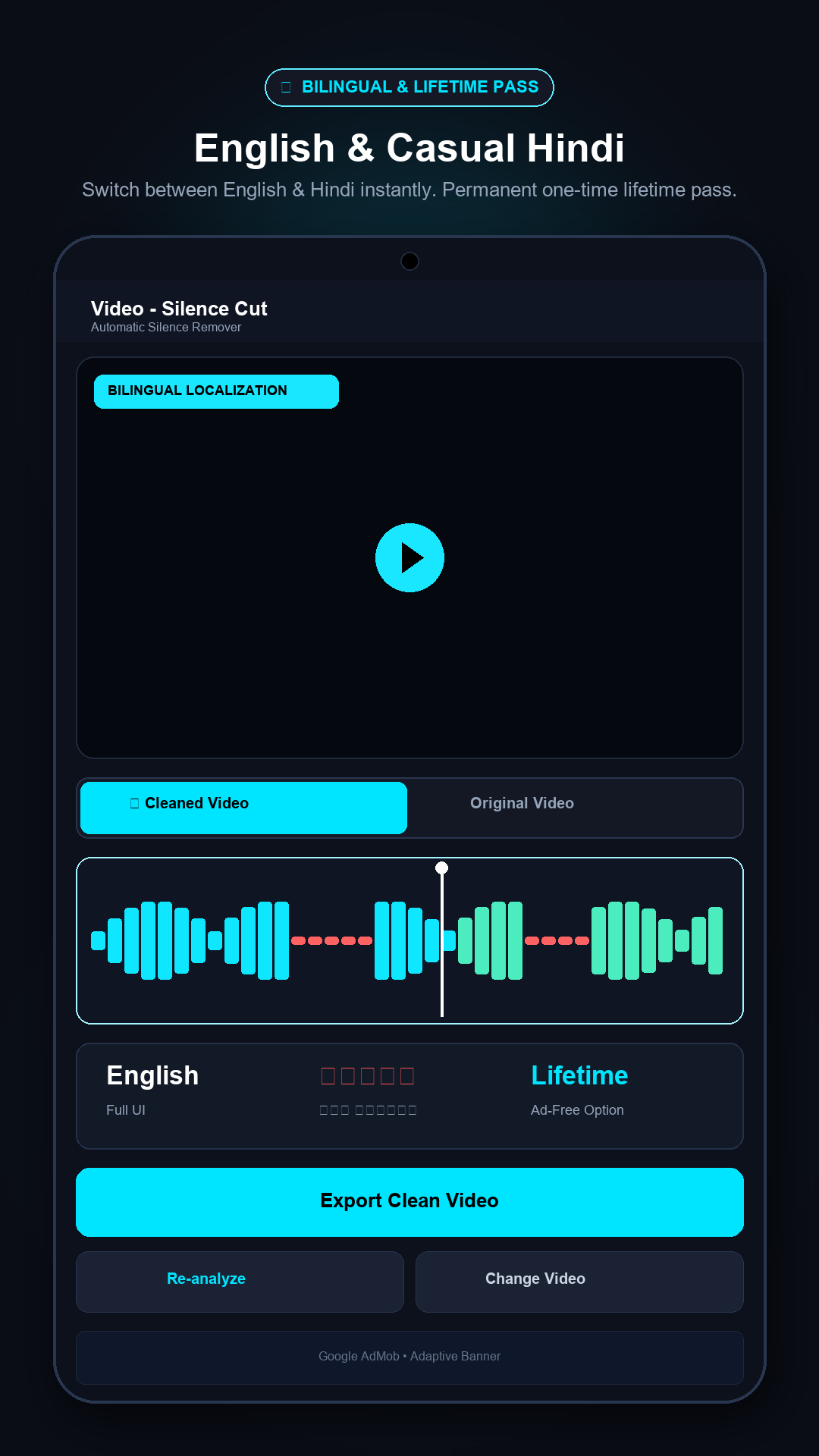
Designed with natural bilingual localization in English and everyday conversational Hindi so creators everywhere feel right at home.
Explore the intuitive dark-mode interface designed for Android creators.
See how automated silence cutting compares to tedious manual mobile editing.
| Feature | Video - Silence Cut | Traditional Mobile Editors |
|---|---|---|
| Silence Detection | 100% Automatic (Decibel & Time based) | Manual split-and-delete on timeline |
| Time to Edit a 10-Min Video | Under 15 seconds | 20 to 40 minutes of manual scrubbing |
| Speech Protection | Automatic Lead-In/Out padding buffers | Accidental clipping of words is common |
| Privacy & Processing | 100% On-Device (Zero cloud uploads) | Often requires cloud render servers |
| Pricing Model | Free with Ads or One-Time Lifetime Pass | Expensive monthly/annual subscriptions |
Everything you need to know about Video - Silence Cut.
The app analyzes raw audio waveforms using your phone's built-in media decoders to calculate decibel volume. Any segment that stays below the threshold for longer than the minimum silence duration is automatically marked for cutting.
No. Video - Silence Cut incorporates intelligent acoustic safety padding (Lead-In and Lead-Out buffers) around detected speech segments, ensuring the beginnings and endings of every word remain crisp and natural.
Never. All video and audio processing happens 100% locally on your smartphone. We do not operate external rendering servers, and your media never leaves your device.
Exported videos are saved directly into your device's public Movies/VideoSilenceCut/ folder and will immediately appear in your Google Photos or Gallery app.